The numbers are long and look alike
Part numbers run to a dozen characters and differ in one of them. Two similar parts on adjacent shelves is all it takes, and both of them look right.
Home/Custom Android apps/Part & Qty Check
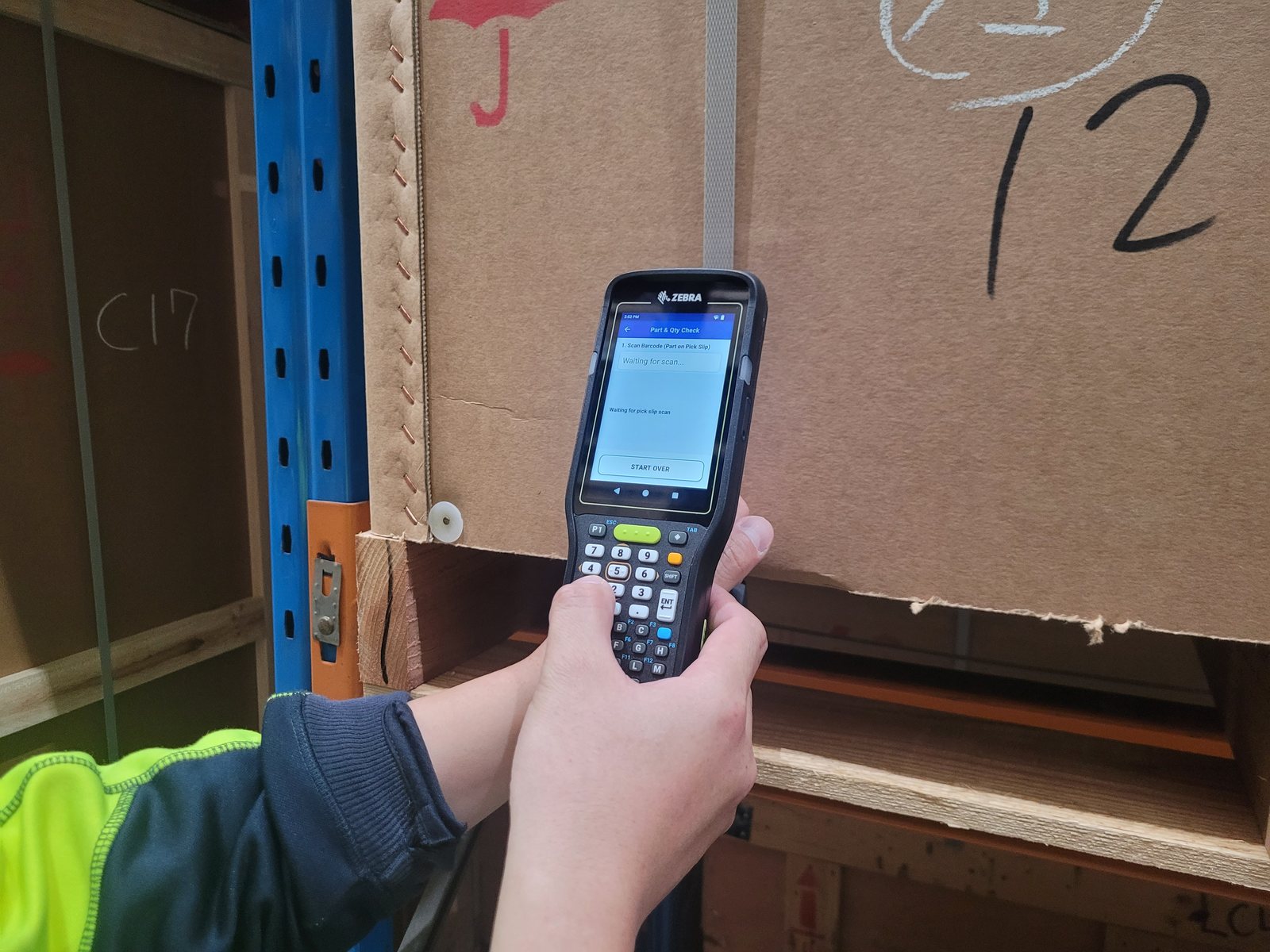
Part & Qty Check · our first custom app, in serviceAn operator scans the part number from the pick slip, says how many they are picking, then scans each item off the shelf. The scanner confirms every one, and writes a file that says what was checked, by whom, and when. No server, no network, nothing to integrate.
In most warehouses the check that the right part went in the box is a person reading a number off a slip, looking at a label, and ticking a line. It works until it doesn't, and when it doesn't there is nothing to look at afterwards. A tick proves somebody held a pen.
Part numbers run to a dozen characters and differ in one of them. Two similar parts on adjacent shelves is all it takes, and both of them look right.
Not on the dock. It comes back as a phone call, a return, a machine standing still, and an argument about who sent what.
The slip is filed or thrown away. There is no record of what was actually looked at, who looked at it, or when.
Straight off the paperwork you already print. The app locks it in and shows it back, so the operator sees what the scanner read rather than what they assume it read.
Typed in, before any part is scanned. It cannot be skipped, and pulling the trigger at this point is refused out loud rather than quietly ignored. This is the step that turns the file into evidence.
Green and a rising tone for a match, red and an error tone for a mismatch, counting down as it goes. A mismatch is not counted, so the operator cannot move on until the right item is in their hand.
There is nothing to read, weigh up or decide. The screen is one colour or the other, from the far end of an aisle, in a high-vis vest, at four in the afternoon.
The obvious shortcut is to skip the typing and count the scans instead. It is the wrong answer, and the reason matters more than the feature.
Counting scans afterwards records what happened. Asking first records what was meant to happen. Only one of those settles an argument.
If an operator was meant to pick ten and stopped at nine, a tally of nine looks like a finished line. A stated ten with nine against it is visibly short, on the day, in the file. The typed number is the only thing in the record that came from a person saying what they were about to do — everything else is the scanner reporting what they did.
The choice used to be to send another part, or to prove otherwise the hard way — stocktake the item, take the last known quantity on hand, subtract everything sold since, and see whether the claim was even possible. Days of work for one line, and it still ends in a probability. Now there is a file, dated, per scanner, showing the operator said ten and ten individual scans that each matched the slip. Nine and ten stop being opinions.
That shows too. A line that says ten and delivers eight is a short pick with a time against it, not a mystery discovered a fortnight later at the other end.
Not a report you have to request, and not a database somebody has to maintain. A plain CSV, written as it happens, emailed off the device or copied over USB.
| DeviceID | Date | Time | User | Type | ScanValue | Result |
|---|---|---|---|---|---|---|
| A7 | 25-08-2026 | 09:14:02 | DAVE | PickSlip | AB10K00742P118 | SCANNED |
| A7 | 25-08-2026 | 09:14:19 | DAVE | Quantity | 5 | SCANNED |
| A7 | 25-08-2026 | 09:14:26 | DAVE | Part | AB10K00742P118 | MATCH |
| A7 | 25-08-2026 | 09:14:31 | DAVE | Part | AB10K00742P118 | MATCH |
| A7 | 25-08-2026 | 09:14:44 | DAVE | Part | AB10K00742P119 | MISMATCH |
| A7 | 25-08-2026 | 09:14:52 | DAVE | Part | AB10K00742P118 | MATCH |
| A7 | 25-08-2026 | 09:15:07 | DAVE | Part | AB10K00742P118 | MATCH |
| A7 | 25-08-2026 | 09:15:15 | DAVE | Part | AB10K00742P118 | MATCH |
| A7 | 25-08-2026 | 09:15:15 | DAVE | Count | 5 | COMPLETE |
And a month of them is a different question. Nobody reads a single day's scan file without a reason to — a dispute, a missing part, an argument with a distributor. A month of them says things nobody in the building currently knows: which parts get confused with each other, which steps cause the errors, and how often the answer was already in somebody's hand.
Once you are running it, send us a month and we will show you what is in it. There is no price on that. The files are yours, reading them properly is quick now in a way it was not five years ago, and you should have the report rather than a filing cabinet. We have already done it once for the warehouse running these.
Plenty of warehouses are waiting on the mobile side of an ERP that has not reached this country yet, or has, and sits behind a capital request and an approval from a head office in another time zone. That wait is measured in years. Meanwhile the wrong parts keep going out.
This is a batch tool on purpose. It talks to nothing, so there is nothing to integrate, nothing to certify, and nobody's system to put at risk. It costs a fraction of a project, and when the big system finally does arrive, you stop using it. Nothing has to be unwound.
No server, no database, no interface to your ERP, no security review of a connection that does not exist.
It changes nothing in the system of record. It is a check on the floor, run by the warehouse, using paperwork you already print.
Nothing is lost in a dead spot, because nothing is being sent. The file is written on the device as the scanning happens.
Anybody who tells you otherwise is selling something. An operator can still key the wrong quantity, scan the same item twice, or put a verified part into the wrong box after the scanner has said yes.
What changes is that the checking is now being done at all — and that whatever happened left a record.
Before, the verification step was a tick, done from memory, in a hurry, with nothing kept. Now it is two scans and a number, and the file says which. That is a smaller claim than most software makes, and it is one you can check for yourself at the end of the first day.
Every warehouse numbers its parts differently. Some have a check digit on the end that means nothing; some have two part numbers that differ by one character and are genuinely different parts. Getting that wrong ships the wrong item, so it is not something to guess at — each client gets their own build, with their rules, their branding and their workflow, tested on their hardware before it goes to the floor.
Supplied, configured and supported by us — the same Android computers we sell and hold spares for. The app sets up the scanner's own barcode engine the first time it runs, so installing it is the setup.
The part number on the pick slip, and the label on the product. If a part number arrives buried inside a longer 2D barcode, it is found within it.
Each person registers on the scanner with a four digit code, so every line in the file has a name against it. Larger text is a per-person setting.
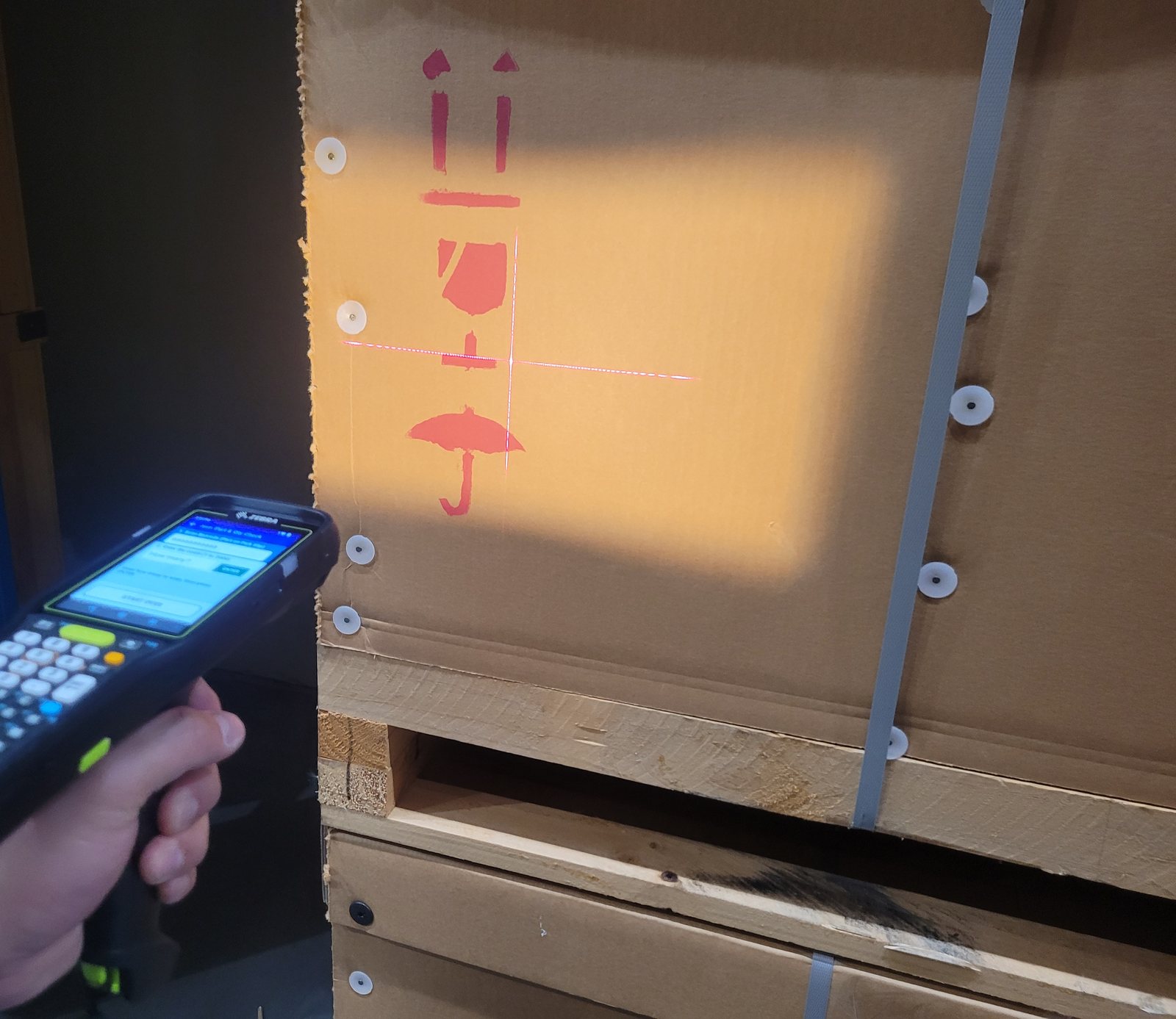
Bring us a pick slip and a part. The quickest way to know whether this suits your warehouse is to try it on your own barcodes. Send us a photo of a pick slip and a product label, or we will bring a scanner to you and check them on the spot. What it would take to fit your parts and your process is a short conversation, and it is the right place to start.
Scanners in service check for a newer version themselves and update over wi-fi, so a fix does not need a site visit.
A photograph of each is enough to say whether your barcodes will work with this, and what it would take to fit your parts. The answer costs nothing either way.
