BARCODE DATALINK Since 1991

Home/Printers

Zebra label printers · Australian stock

Label printers. Print barcodes.

Desktop printers for a counter or an office, industrial printers for a warehouse or a production line, mobile printers for the label that has to be made where the work is, and the labels and ribbons that feed them all. Prices are what you pay, in Australian dollars, including GST, excluding freight.

There is one question to answer before the model matters, and it is the one underneath. Get it wrong and the printer is fine but the labels are unreadable in a year.

Ask this first

Ribbon, or no ribbon?

Every label printer is one of two things, and the model number usually ends in a letter that tells you which. It is the difference between a label that lasts a fortnight and one that lasts a decade.

Direct thermal

No ribbon at all

Heat goes straight onto heat-sensitive stock. Nothing to load, nothing to replace, and the lowest running cost there is. The print fades with sunlight, heat and handling — which does not matter at all on a courier label read once, and matters a great deal on anything still being scanned next year.

Right for: despatch and courier labels, food date labels, anything read within weeks.

Thermal transfer

Melts a ribbon onto the label

Costs a consumable and a moment loading it. In exchange the print does not fade, and on the right stock it survives sunlight, water, and being rubbed against things in a warehouse for years.

Right for: shelf and bin labels, asset tags, product labels, anything outdoors or handled.

The pairing is the part that goes wrong. A ribbon run against the wrong stock is the most common way a printhead dies early, and the printhead is the expensive part of the printer. We supply the labels and the ribbons as well as the machine, so the matching is our problem rather than something you find out about at the third replacement.

The range

Zebra desktop, industrial and mobile printers

The price is on every one of them, and anything in the Zebra range can be quoted whether or not it has reached this page.

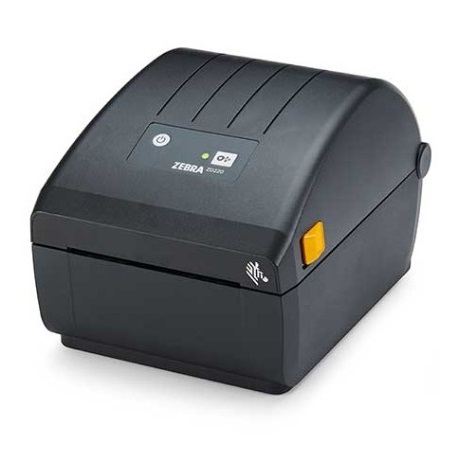
Zebra ZD220 desktop label printer, black, front three-quarter view.

Zebra ZD220

The desktop printer for somebody printing labels rather than running a production line. Four inch, USB, and available either way — with a ribbon or without.

Desktop4 inchDT or TT203 dpi2 yr warrantyCheck availability
From, inc GST$509 See it →
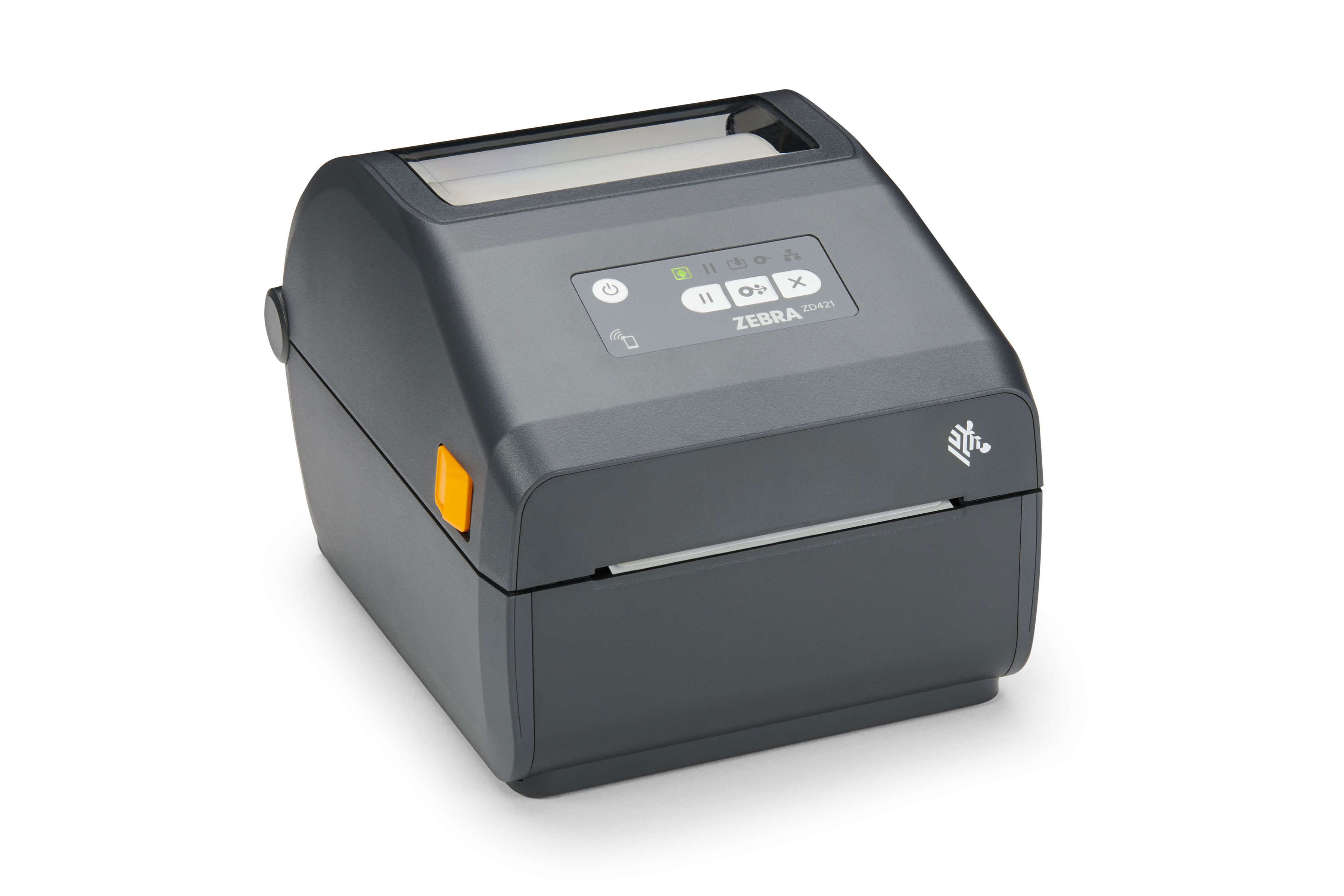
Zebra ZD421 desktop label printer, black, front three-quarter view.

Zebra ZD421

The step up from the ZD220. Same four inch label and the same ribbon-or-not choice, built for more printing — and it connects by USB, Ethernet or wireless rather than only the one way.

Desktop4 inchDT or TTUSB, Ethernet or WLAN203 dpi2 yr warrantyCheck availability
From, inc GST$612 See it →
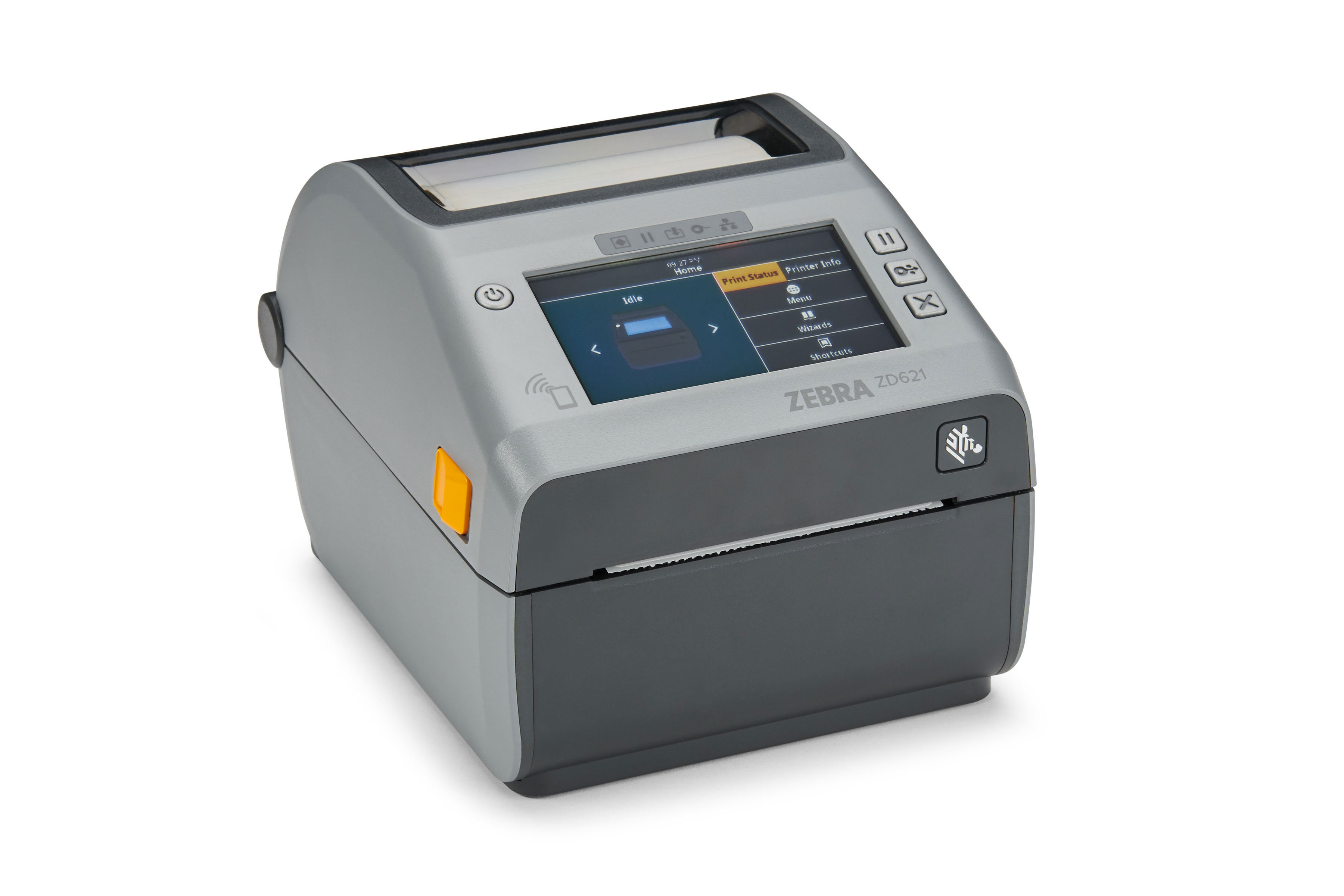
Zebra ZD621 desktop label printer, grey, three-quarter view with a colour touch display.

Zebra ZD621

The top of the desktop range. A colour touch screen, a dual-wall frame and ribbons four times longer than the machines below it — for a printer somebody actually operates rather than one that sits in a corner.

Desktop4 inchDT or TTColour touch screen203 or 300 dpi2 yr warrantyCheck availability
From, inc GST$799 See it →
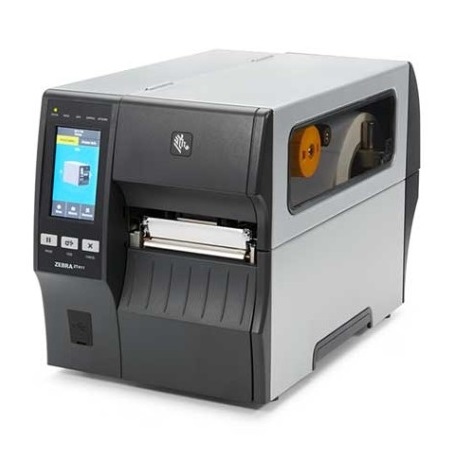
Zebra ZT411 industrial label printer, metal case, media cover open.

Zebra ZT411

The industrial machine at desktop width. Four inches, a metal frame, and quicker than the six inch ZT421 — with peel-and-rewind or wireless as the two upgrades, at the same price for different reasons.

Industrial4 inchRibbon or no ribbon203, 300 or 600 dpi1 yr warrantyCheck availability
From, inc GST$2,298 See it →
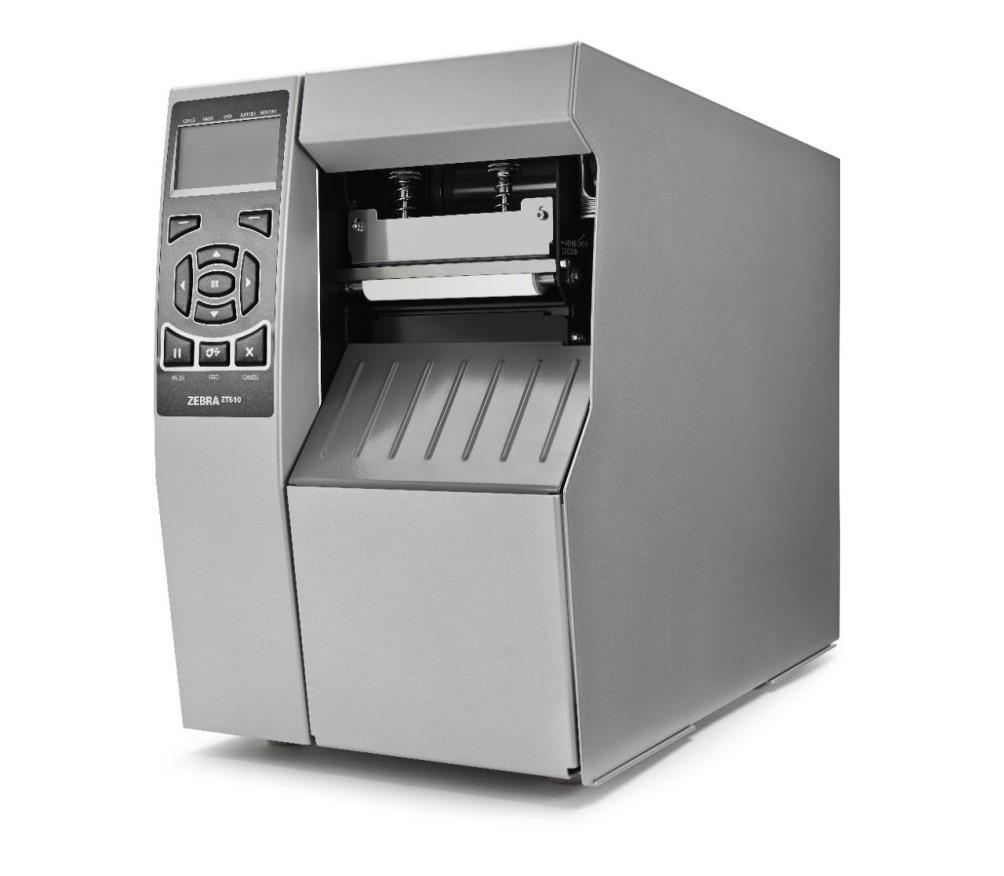
Zebra ZT510 industrial label printer, silver metal body, media door open.

Zebra ZT510

All metal, sealed against dust and damp, with gigabit Ethernet and a serial port. The one to put somewhere the air is not clean — plainer than the ZT411, and not much more.

Industrial4 inchRibbon or no ribbonSealed buttons203 or 300 dpi1 yr warrantyCheck availability
From, inc GST$2,799 See it →
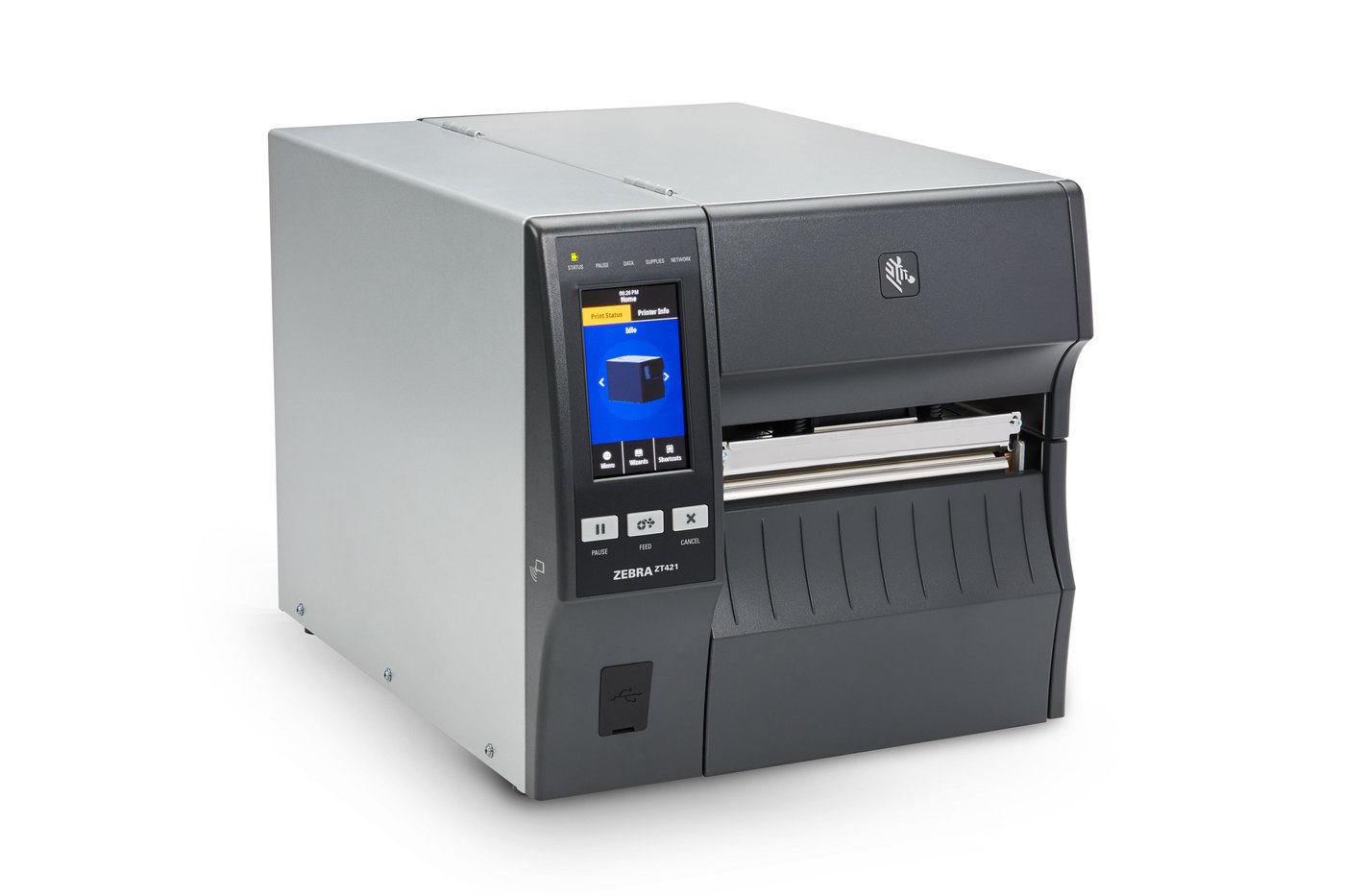
Zebra ZT421 industrial label printer, metal case, front three-quarter view.

Zebra ZT421

The industrial machine for labels wider than a desktop printer takes. Six inches, a metal frame, and a roll that lasts a shift — with an optional peel and rewind that is fitted at the factory.

Industrial6 inchRibbon or no ribbon203 or 300 dpi1 yr warrantyCheck availability
From, inc GST$3,995 See it →
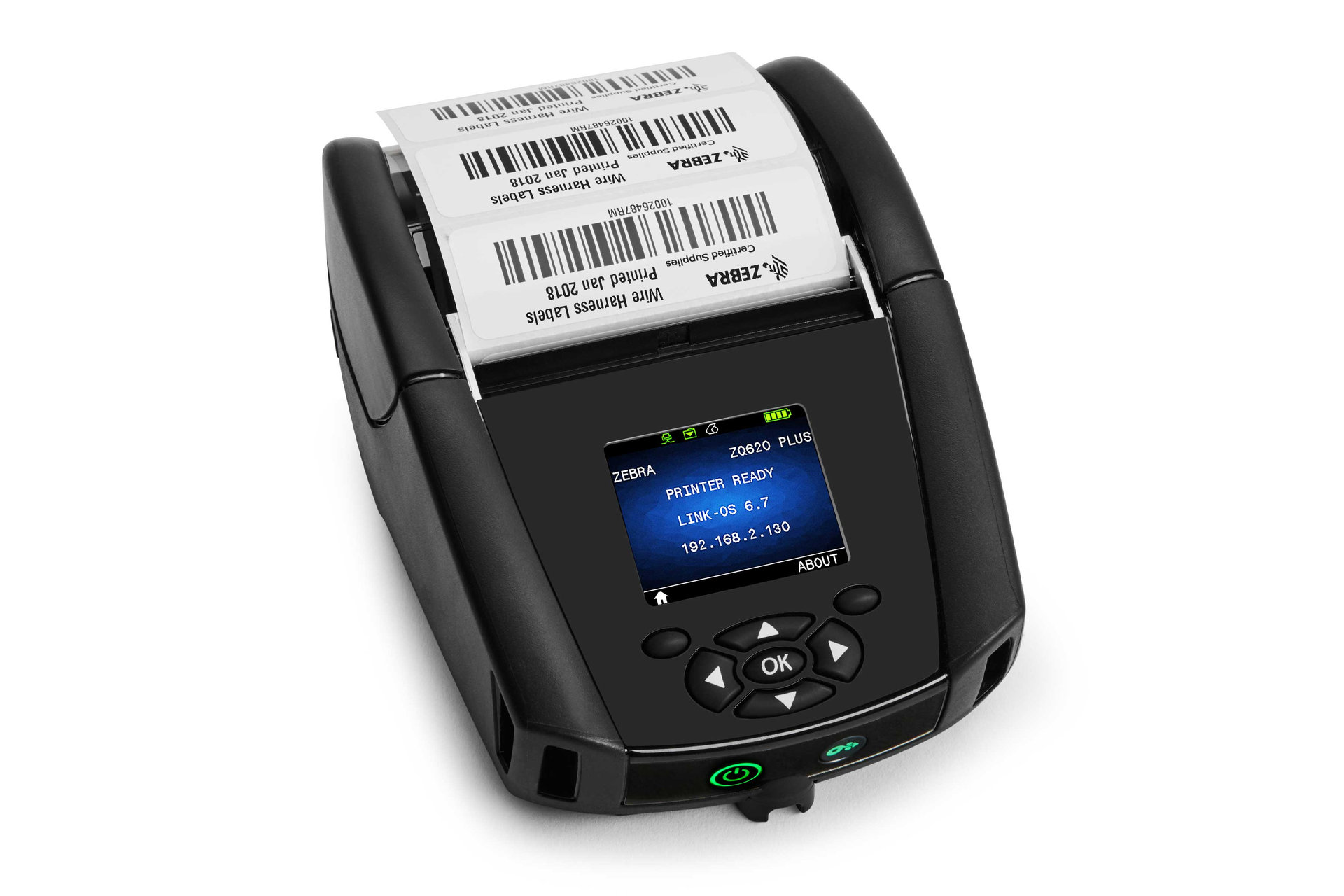
Zebra ZQ620 Plus mobile printer, black, printing barcode labels.

Zebra ZQ620 Plus

The three inch mobile printer, worn on a strap and printing where the work is. Shelf labels, pick labels and receipts, with a battery meant for the shift.

Mobile3 inchNo ribbon203 dpi1 yr warranty
Inc GST$1,699 See it →
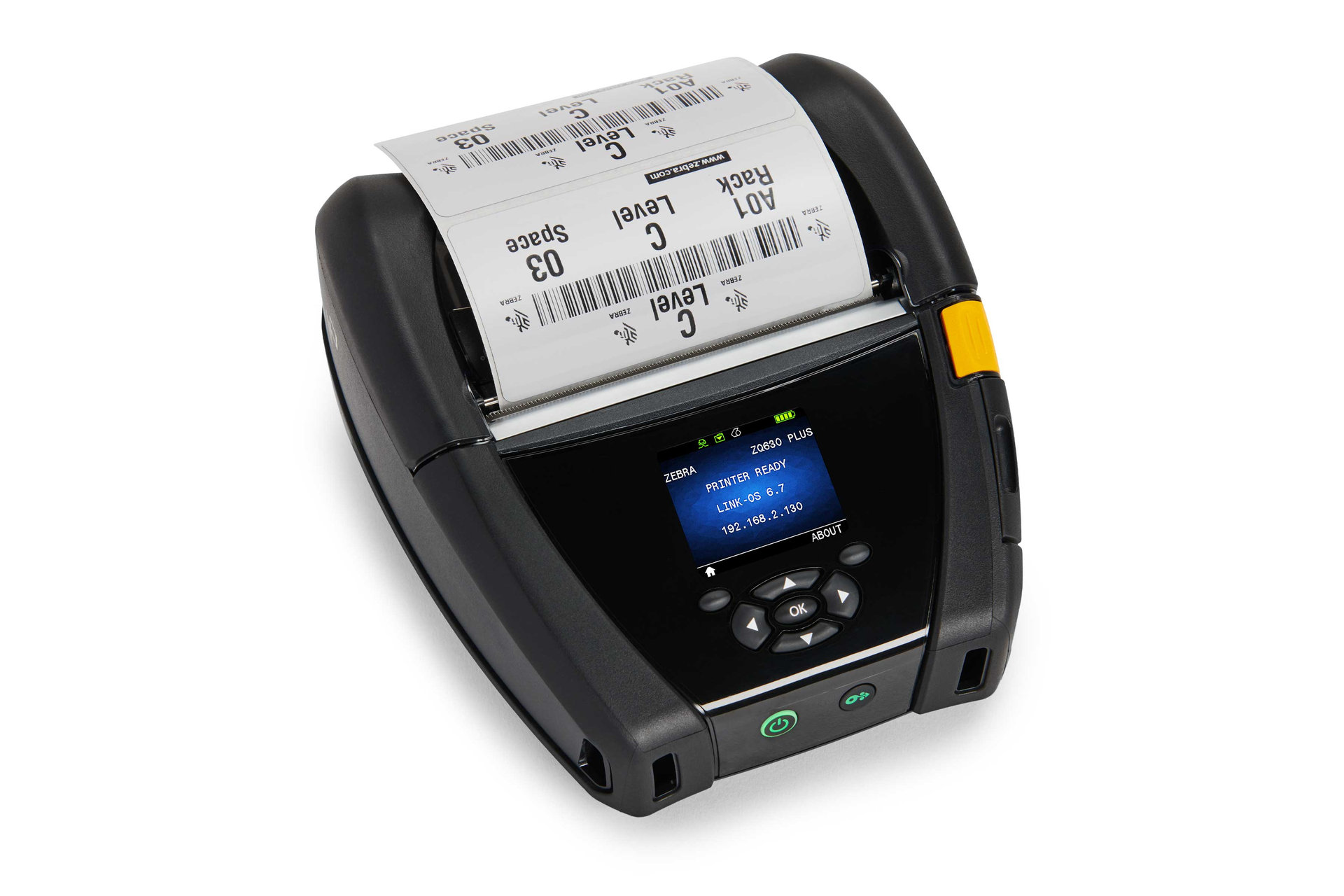
Zebra ZQ630 Plus mobile printer, black, printing rack location labels.

Zebra ZQ630 Plus

The four inch mobile printer — the width a desktop or industrial machine prints, made at the pallet or the racking instead of carried out from an office. Battery for a full day.

Mobile4 inchNo ribbon203 dpi1 yr warranty
Inc GST$1,799 See it →

Eight printers on this page, and that is the honest state of it. Three desktop, three industrial and two mobile, which covers most of what a warehouse actually orders.

Everything Zebra makes can be quoted whether or not it has reached this page — the list here is what has been priced and photographed, not the limit of what we supply. That includes machines Zebra no longer makes. If you are running a Z105SL, a ZM400 or anything else from that era, we still know them, still repair them and can tell you what replaces yours.

Before you ring

The five things that decide it.

01

How long the label has to last

This is the ribbon question above, and it decides the printer before anything else does. Weeks, and direct thermal is cheaper to run. Years, and it has to be thermal transfer.

02

How wide the label is

Most desktop printers take up to four inches, which covers the great majority of shelf, product and despatch labels. Wider than that is an industrial machine and a different conversation.

03

How high the resolution has to be

Most warehouse labels are 203 dpi and always have been. 300 dpi is for small type and dense 2D codes. 600 dpi is for genuinely fine detail on a small label — the sort that goes on a component or an instrument rather than a carton.

A retail barcode is where this stops being academic. An EAN-13 at 100% magnification needs 300 dpi. A 203 dpi head cannot land on 100% — it prints 85% or 110% instead, and both of those pass verification. So 203 is not a barrier to selling through a retailer; it is a different size on the pack. Worth knowing before you buy, because it is decided by the printhead and not by the artwork.

The barcode number itself comes from GS1 — you join, they issue it, and having it tested is between you and them. What we can tell you is what the printer will put on the label, and whether the machine in front of you can print it at the size a retailer expects.

It is not a setting. The resolution is the printhead, so it is decided when the machine is bought and changing it later means a new head. The cards above say what each machine is listed at — ask if you need one that is not there, and the printhead list names all three resolutions with their part numbers.

And the resolution you land on is the same number that decides where anything sits on the label, because ZPL positions in dots rather than millimetres — 8 to the millimetre at 203 dpi and 12 at 300. That page has a label, the code that prints it, and the arithmetic.

04

How many a day

A few hundred is a ZD220. Around a thousand freight labels a day is a ZD421 or a ZD621 — built for it in a way the entry-level machine is not. Continuous, all day, every shift, is an industrial machine.

None of that is a rated figure and we will not pretend otherwise. It is what selling them for thirty-five years says, which we think is worth more than a duty cycle nobody tests.

05

What is going to send it the labels

A PC over USB is the simple case. A network, an ERP system, or a handheld out on the floor is not harder, but it is worth saying out loud before you buy, because it changes which model and which options.

Tell us what you are printing, and onto what.

Bring the label you use now, or a photograph of it. Half of all print quality problems are a ribbon and a stock that were never meant to meet, and that is visible in a picture.